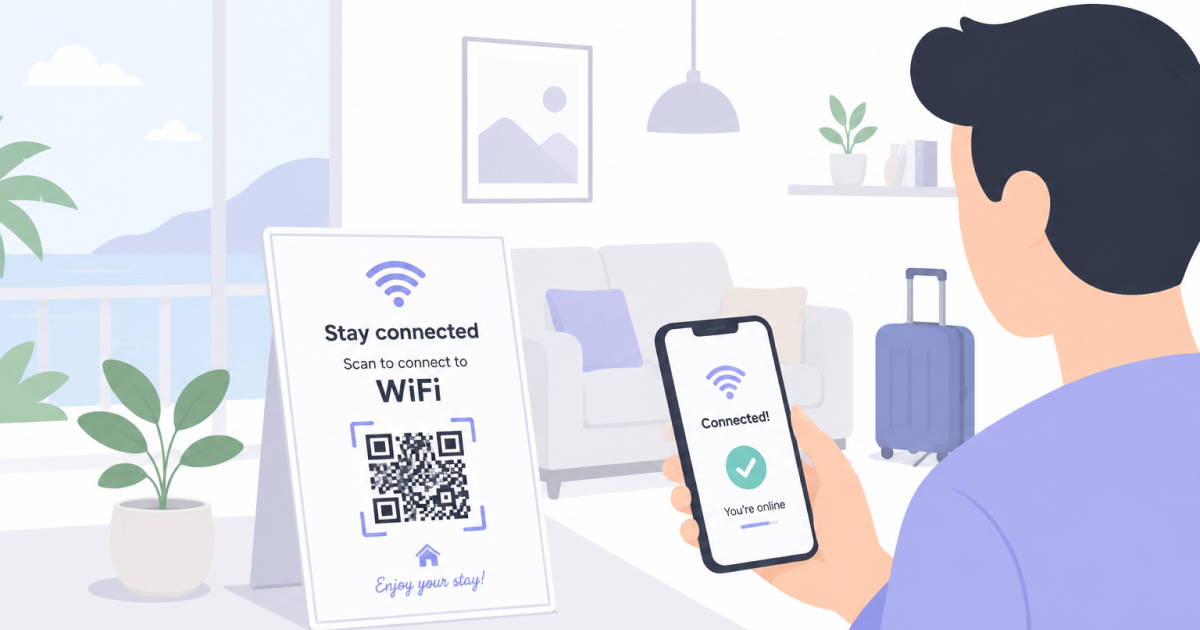
Guests expect internet access to work immediately when they arrive at a vacation rental.
Whether you manage an Airbnb, holiday home, cabin, apartment, or short-term rental property, a WiFi QR Code can make connecting to your guest network significantly easier.
Instead of searching for passwords, typing long credentials, or sending WiFi details through messages, guests can simply scan a QR Code and connect in seconds.
Why Vacation Rental Guests Often Struggle With WiFi
Unlike hotels, vacation rentals often do not have reception desks or on-site staff available to help guests.
Many properties rely on self-check-in systems, key safes, smart locks, or automated arrival instructions. Guests may never meet the host in person, making it more difficult to solve even simple issues after arrival.
Connecting to WiFi is a common example.
Guests frequently encounter challenges such as:
- Multiple nearby WiFi networks making the correct one difficult to identify
- Unfamiliar network names that are easy to confuse with neighboring properties
- Long or complex passwords that are difficult to enter correctly
- Printed instructions that are hard to read or partially outdated
- Hosts who may not be immediately available due to distance or time zone differences
A WiFi QR Code helps eliminate these problems by allowing guests to connect directly to the correct network with a quick scan.
Improve the Guest Experience From the Start
First impressions matter.
A smooth arrival experience helps guests settle in quickly and reduces frustration after a long journey.
By placing a WiFi QR Code somewhere visible, such as a welcome booklet or kitchen information board, guests can connect without needing additional assistance.
Small conveniences often contribute to better reviews and a more professional overall experience.
Reduce Questions and Support Messages
Many vacation rental hosts receive the same WiFi-related questions repeatedly:
- Which WiFi belongs to this property?
- I can’t connect to the network.
- Is this password correct?
- Which of these nearby networks should I use?
These questions often arrive shortly after check-in, precisely when guests want to settle in and start enjoying their stay.
A clearly visible WiFi QR Code helps guests identify the correct network immediately, even in apartment buildings, holiday parks, or residential neighborhoods where dozens of networks may be visible.
This reduces unnecessary support messages while creating a smoother arrival experience.
Where to Place a WiFi QR Code in a Vacation Rental
The most effective locations are the places guests naturally look for information.
Popular options include:
- Welcome guides
- Check-in instructions
- Kitchen information boards
- Living room information folders
- Guest handbooks
- Framed signs near the entrance
The goal is to make the QR Code visible at the moment guests need internet access.
Include the WiFi QR Code in Your Welcome Guide
Many vacation rentals already provide guests with information about the property, local attractions, parking, check-out procedures, and house rules.
Adding a WiFi QR Code to these materials is an easy way to improve usability.
Consider including it in:
- Printed welcome folders
- Digital guest guides
- Check-in instructions
- Property information boards
- Welcome emails sent before arrival
This ensures guests can find internet access information without needing to contact the host.
Consider Security When Sharing WiFi
While convenience is important, security should not be overlooked.
A few simple precautions can help protect both hosts and guests:
- Use a strong WiFi password
- Avoid sharing router administration credentials with guests
- Keep technical information separate from guest-facing instructions
- Review your WiFi settings periodically
Most vacation rentals only use a single WiFi network, which makes clear and accurate guest instructions especially important.
A WiFi QR Code can simplify access without requiring guests to manually enter complex credentials.
Keep Printed Information Up To Date
One common mistake is forgetting to update printed materials after changing the WiFi password.
Whenever network credentials change:
- Generate a new WiFi QR Code.
- Replace existing printed copies.
- Verify that guests can still connect successfully.
Regular testing helps prevent negative guest experiences.
Frequently Asked Questions
Do Guests Need a Special App?
Most modern smartphones can scan QR Codes directly using the built-in camera application.
Can I Use the Same QR Code for Multiple Properties?
Only if those properties use the same WiFi network name and password. Otherwise, each property should have its own QR Code.
What Happens If I Change the WiFi Password?
You will need to generate a new QR Code and replace any printed versions that contain the previous credentials.
Should I Include the Password Alongside the QR Code?
Many hosts do. This provides a fallback option for guests using older devices that may not support WiFi QR Codes.
Final Thoughts
A WiFi QR Code is a simple improvement that can make a vacation rental feel more professional and easier to use.
By helping guests connect quickly, reducing support requests, and simplifying network sharing, hosts can improve the arrival experience while spending less time answering routine questions.