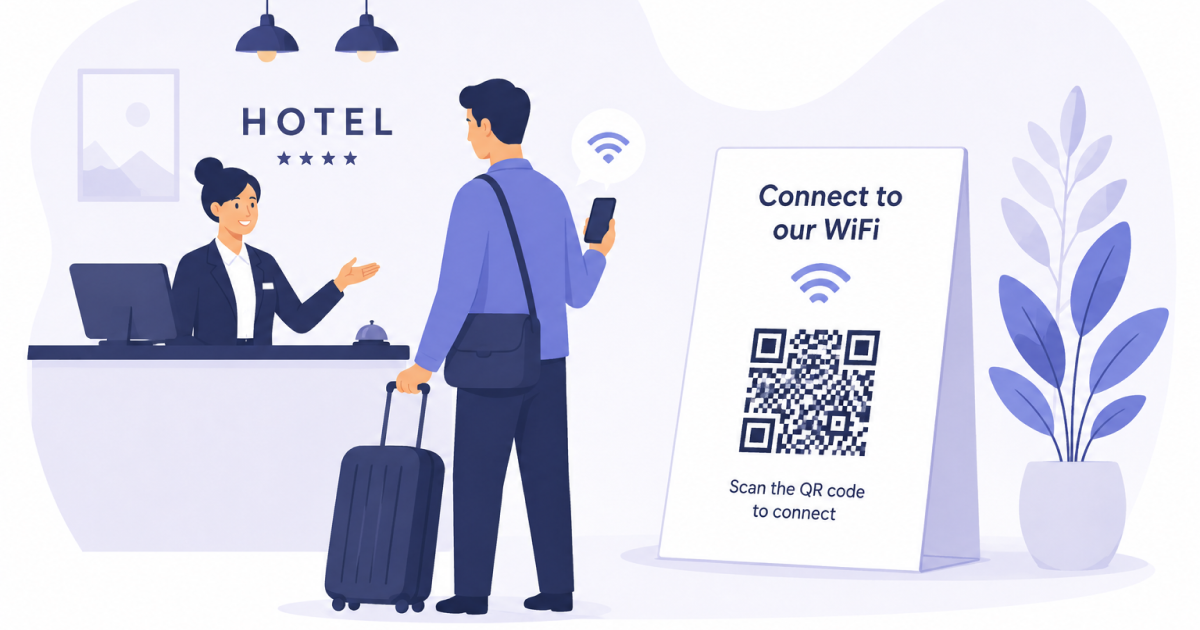
A hotel WiFi QR Code allows guests to join a wireless network by scanning a QR code instead of manually entering the network name and password.
For hotels, guest houses, vacation rentals, and bed-and-breakfast properties, this can remove a surprisingly common source of frustration during check-in and throughout a guest’s stay.
Why Hotel Guests Struggle With WiFi Access
Most guests expect internet access to work immediately.
Unfortunately, even simple WiFi instructions can create friction:
- Passwords may be long or difficult to read.
- Guests can mistype characters.
- Similar network names can cause confusion.
- Reception staff may need to answer the same WiFi questions repeatedly.
- Printed welcome materials can become outdated after a password change.
A QR Code simplifies the process. Guests scan the code and their device can offer to connect directly to the correct network.
Where Hotels Can Use WiFi QR Codes
A WiFi QR Code can be placed anywhere guests naturally look for information.
Common locations include:
- Reception desks
- Welcome folders
- Room information cards
- Key card holders
- Lobby displays
- Conference rooms
- Event spaces
- Guest lounges
The most effective placements are usually the places where guests first ask for WiFi access.
Benefits for Hotel Staff
The biggest advantage is convenience for guests, but hotel staff also benefit.
A well-placed WiFi QR Code can help:
- Reduce repetitive questions at reception
- Speed up guest onboarding
- Minimize password entry mistakes
- Improve the overall guest experience
- Keep network information consistent across printed materials
Even small reductions in routine support requests can save staff time over the course of a busy season.
Use a Guest Network Whenever Possible
A WiFi QR Code should normally point to a dedicated guest network rather than an internal staff network.
Guest networks help separate visitor traffic from business systems and can make password rotation easier when access credentials need to change.
If the guest WiFi password changes, generate a new QR Code and replace any printed copies that contain the old credentials.
Make the QR Code Easy to Find
A QR Code only helps if guests notice it.
Good practices include:
- Adding a short explanation such as “Scan to join WiFi”
- Printing the code at a comfortable scanning size
- Using high contrast between the QR Code and its background
- Placing it near other guest information
Avoid hiding the code in lengthy information packs where guests may never see it.
Test Before Printing
Before printing signs, cards, or welcome materials, test the QR Code with multiple devices.
Verify that:
- The correct network is detected
- The password is accepted
- The connection process works as expected
- The printed code remains easy to scan
Testing early helps avoid guest complaints later.
Frequently Asked Questions
Do hotel guests need a special app?
Most modern smartphones can scan QR Codes directly using the camera app or built-in scanning tools.
Can a WiFi QR Code work with password-protected networks?
Yes. The QR Code can include the network name, password, and encryption settings needed for guests to connect.
What happens when the WiFi password changes?
You will need to generate a new QR Code and replace any printed copies that contain the previous password.
Should every room have its own WiFi QR Code?
Not necessarily. Many hotels use the same guest network throughout the property. In that case, the same QR Code can be displayed in multiple locations.
Final Thoughts
A hotel WiFi QR Code is a simple improvement that can make guest internet access faster and more convenient.
By reducing password entry errors and making network information easier to access, hotels can improve the guest experience while reducing routine support questions for staff.