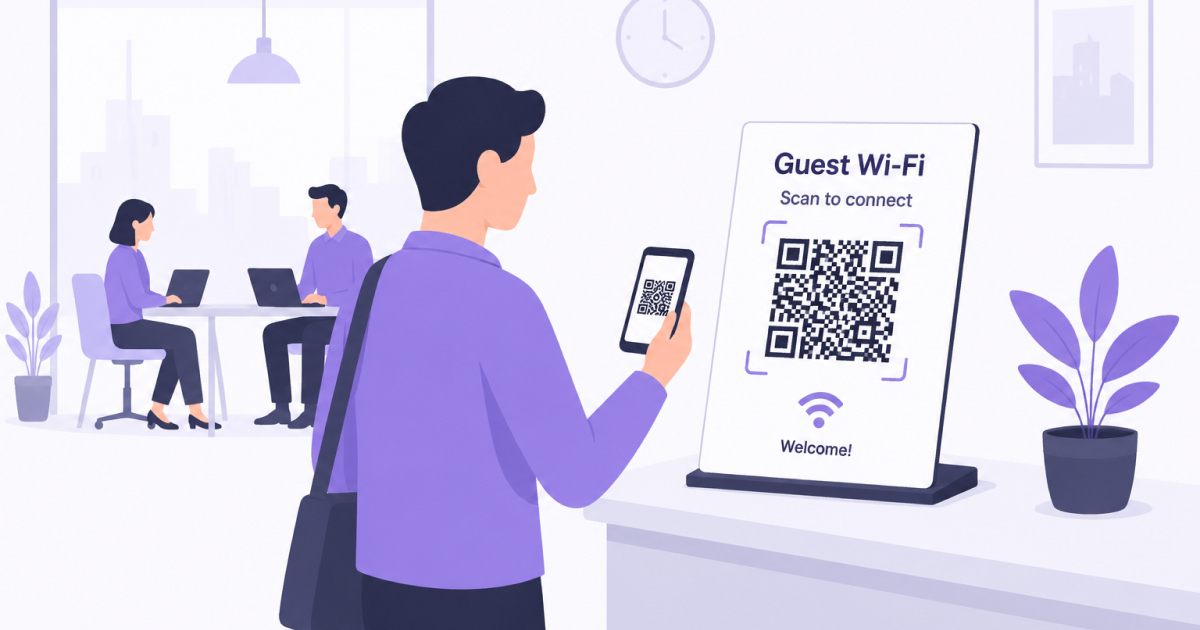
Many office visitors eventually need internet access during their visit.
Whether you welcome customers, job candidates, contractors, vendors, or business partners, providing access to a guest WiFi network can help visitors stay connected and productive.
A WiFi QR Code makes this process significantly easier by allowing visitors to connect with a simple scan instead of manually entering network details.
Why Office Guests Often Struggle With WiFi
Joining a guest network sounds simple, but it frequently creates small interruptions.
Visitors may need to:
- Ask an employee for WiFi details
- Write down long passwords
- Identify the correct network from a long list of nearby WiFi networks
- Enter complex credentials on mobile devices
- Request assistance if something goes wrong
While each interaction may only take a minute or two, these interruptions add up over time.
A WiFi QR Code removes most of this friction.
Improve the First Impression
The first few minutes of a visit often shape a guest’s perception of your organization.
Whether someone is attending a meeting, interviewing for a position, or visiting as a customer, a smooth arrival experience creates a more professional impression.
Providing immediate access to WiFi helps visitors:
- Check emails
- Join video calls
- Access documents
- Use navigation and transportation apps
- Stay productive while waiting
Small conveniences often have a bigger impact than expected.
Reduce Repetitive WiFi Questions
Many offices hear the same questions repeatedly:
- What is the WiFi password?
- Which network should I use?
- Can you repeat the password?
- I can’t connect to the network.
A clearly visible WiFi QR Code helps answer these questions before they are asked.
This allows employees to focus on meetings, visitors, and daily work rather than repeatedly sharing network credentials.
Where to Place a WiFi QR Code in an Office
The best location is wherever guests naturally spend time.
Common placements include:
- Reception desks
- Visitor waiting areas
- Meeting rooms
- Conference rooms
- Shared workspaces
- Visitor welcome screens
The easier the QR Code is to find, the less likely visitors are to need assistance.
Support Meeting Rooms and Conference Spaces
Meeting participants often arrive from different organizations and may need internet access immediately.
A WiFi QR Code displayed in a meeting room can help participants connect before a meeting starts, reducing delays and technical issues.
This is particularly useful for:
- Client meetings
- Workshops
- Training sessions
- Interviews
- Vendor presentations
Use a Dedicated Guest Network
Many organizations maintain separate networks for employees and visitors.
A dedicated guest network can help:
- Protect internal systems
- Separate visitor traffic from company devices
- Simplify access management
- Improve security controls
If your organization already provides guest WiFi, a WiFi QR Code should normally connect visitors directly to that network rather than requiring them to manually enter credentials.
Keep Access Information Current
If network credentials change, remember to update any printed signs, visitor materials, or meeting room displays that contain the QR Code.
Whenever changes are made:
- Generate a new WiFi QR Code.
- Replace outdated copies.
- Test the new QR Code with multiple devices.
Regular testing helps ensure visitors can always connect successfully.
Frequently Asked Questions
Should Office Guests Use the Same Network as Employees?
In most cases, a dedicated guest network is the preferred option. This helps separate visitor traffic from internal company systems.
Do Visitors Need a Special App?
Most modern smartphones can scan WiFi QR Codes directly using the built-in camera application.
Can the Same QR Code Be Used Across Multiple Meeting Rooms?
Yes. If all rooms use the same guest network, a single QR Code can be displayed throughout the office.
What Happens If the WiFi Password Changes?
A new QR Code should be generated and any existing printed copies should be replaced.
Final Thoughts
A WiFi QR Code is a simple way to improve the visitor experience while reducing interruptions for employees.
By making guest network access fast and effortless, organizations can create a more professional environment for customers, partners, candidates, and other visitors.