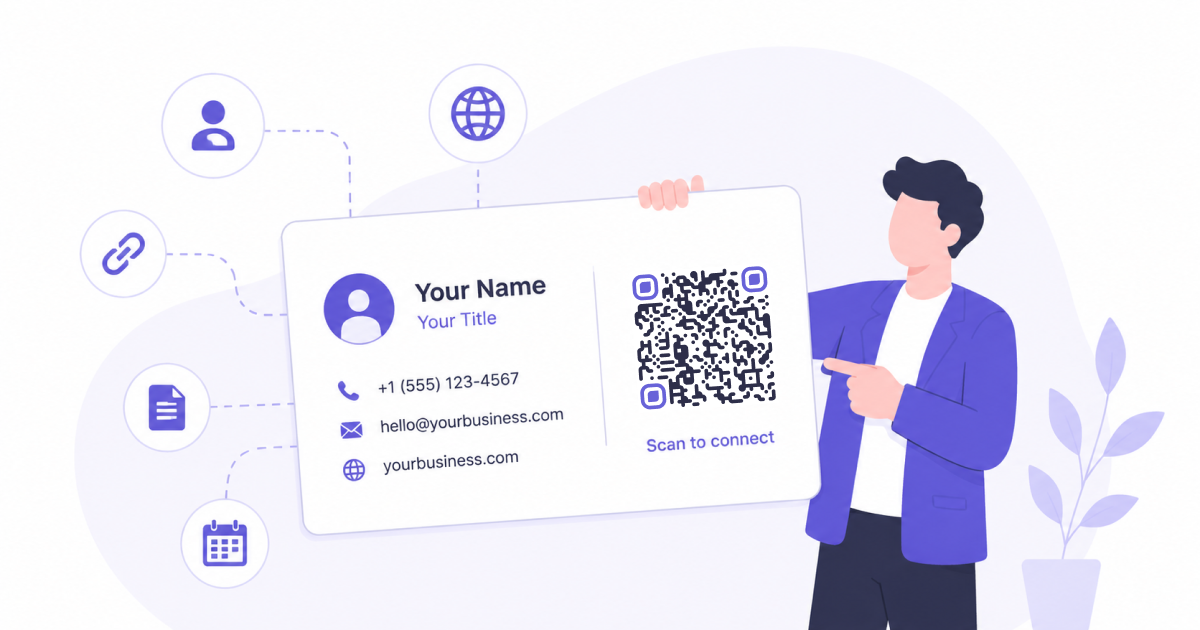
Business cards remain one of the simplest ways to exchange contact information.
Yet many people still rely on recipients manually typing phone numbers, email addresses, websites, and social profiles into their devices.
A QR Code can make this process significantly easier by turning a traditional business card into a bridge between print and digital information.
Why Traditional Business Cards Create Friction
Business cards are convenient to hand out, but they often create extra work for the recipient.
After receiving a card, someone may need to:
- Manually enter a phone number
- Type an email address
- Visit a website later
- Search for a social media profile
- Create a new contact entry
Each additional step creates an opportunity for mistakes or simply gives people a reason to postpone taking action.
In many cases, the card ends up forgotten before any information is saved.
Make It Easier to Save Contact Information
One of the most common uses for a QR Code on a business card is sharing contact information.
Instead of manually creating a contact, recipients can scan the QR Code and immediately save details such as:
- Name
- Phone number
- Email address
- Company name
- Job title
- Website
This reduces friction and makes it more likely that your information is stored correctly.
Improve Networking Events and Conferences
Networking events often involve exchanging multiple business cards within a short period of time.
By the end of the day, attendees may have collected dozens of cards.
A QR Code helps your card stand out by making it easier for people to take immediate action.
Rather than promising to save your details later, they can do it while you are still having the conversation.
Connect Print and Digital Experiences
Business cards have limited space.
A QR Code allows you to connect printed materials with additional digital resources such as:
- Company websites
- Portfolio pages
- Product catalogs
- Appointment booking pages
- Social media profiles
- Contact forms
This makes the card more useful without overcrowding the design.
Reduce Data Entry Errors
Even simple contact information can be entered incorrectly.
A missing digit in a phone number or a typo in an email address can prevent future communication.
By allowing recipients to scan rather than type, QR Codes help reduce these errors and improve accuracy.
Keep Your Business Card Design Clean
A QR Code can sometimes replace information that would otherwise consume valuable space.
Rather than printing multiple links, social media handles, or lengthy URLs, you can direct people to a single destination.
This helps maintain a cleaner and more professional design.
When Should You Add a QR Code to a Business Card?
QR Codes are particularly useful for:
- Sales professionals
- Consultants
- Freelancers
- Small business owners
- Recruiters
- Real estate agents
- Event attendees
- Conference speakers
Anyone who regularly exchanges contact information can benefit from making that information easier to access.
Frequently Asked Questions
What Should a Business Card QR Code Contain?
Many professionals use vCard contact information, while others link to websites, portfolios, booking pages, or social profiles.
The best option depends on what action you want recipients to take.
Do People Actually Scan QR Codes on Business Cards?
QR Codes have become increasingly common on printed materials. When the QR Code provides a clear benefit, such as saving contact details or opening a website, many people are willing to scan it.
Will a QR Code Make My Business Card Look Unprofessional?
Not if it is integrated thoughtfully into the design. Many modern business cards include QR Codes without sacrificing visual appeal.
Should I Replace Traditional Contact Details?
Usually not. A QR Code works best as a complement to existing contact information rather than a complete replacement.
Final Thoughts
A QR Code can turn a traditional business card into a more useful and interactive networking tool.
By making contact information easier to save and digital resources easier to access, QR Codes help reduce friction and increase the likelihood that people actually use the information you share.